 Help Center
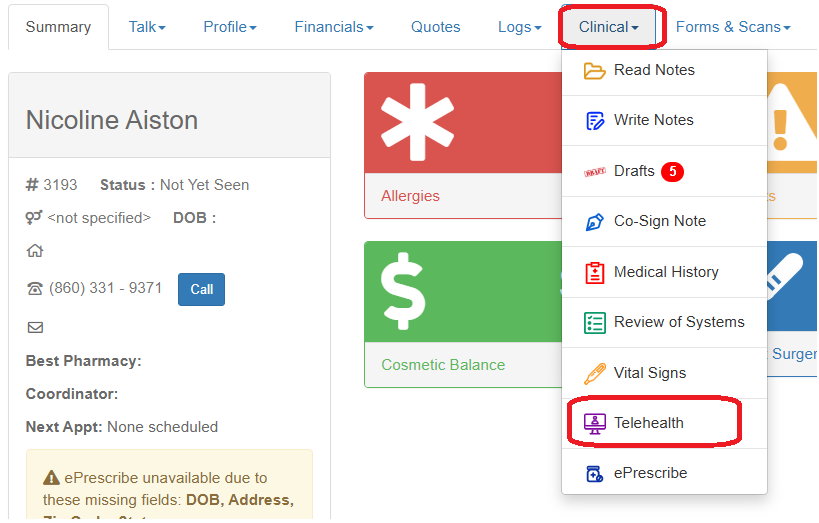
Start Telehealth session by accessing the patient record and navigating to Clinical>>Telehealth
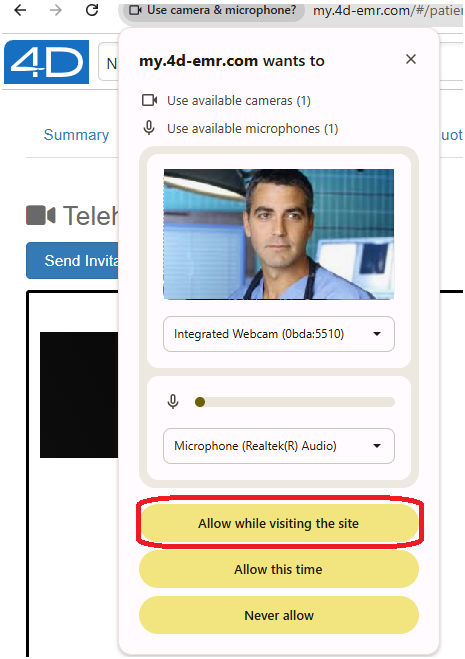
If prompted, give permission to your system browser to access your device's camera and microphone.
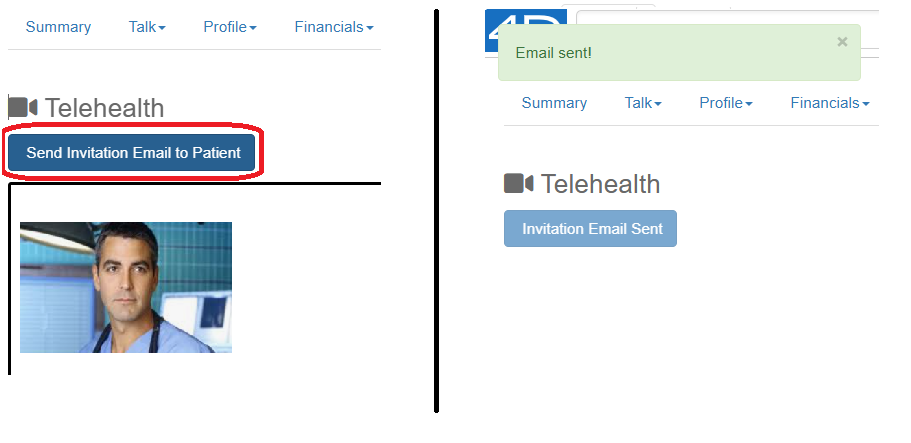
Click the "Send Invitation Email to Patient" button.
The patient will receive an email from "noreply@gotomymedicalrecords.com". This may go to spam folder depending on the patient's email filter settings.
Instruct the patient to click the "Go To Video Call" button in the email.

The session will then connect.
