Help Center
4D EMR Square integration allows practices with existing Square credit card processing merchant accounts to use their Square Terminal to “swipe” credit cards for payment directly from the “Money” module.
Please note:
- The 4D/Square integration is for credit card swiping ONLY.
- The integration will show the total due only on the Square Terminal.
- The integration does NOT send the invoice to the Square Terminal or allow the patient to view the transaction details on Square screens or equipment.
- The integration does not synchronize inventory or invoices.
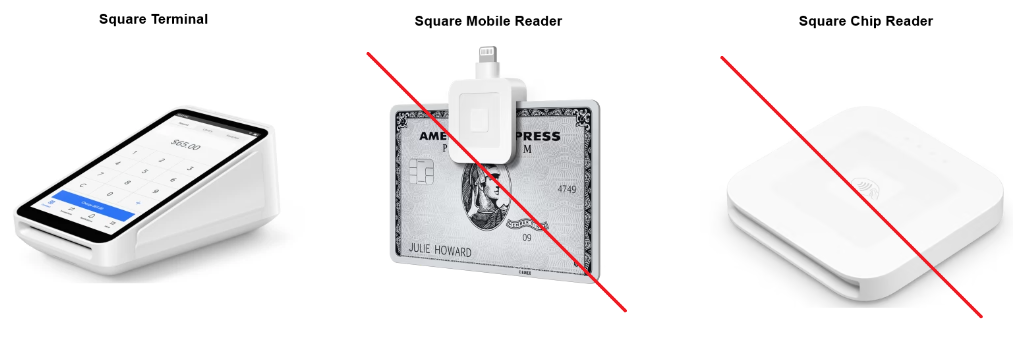
- The integration works ONLY with Square Terminal. Square Readers will not work. See below for more information on Square Terminal vs Square Readers.
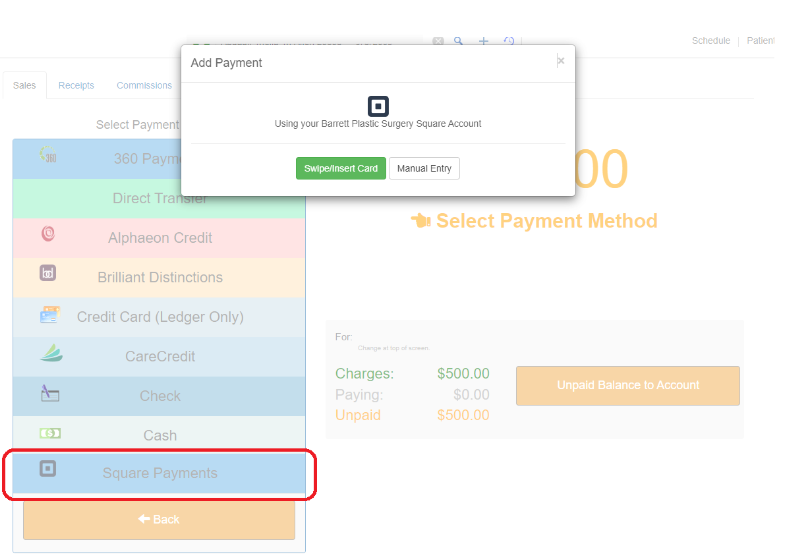
Types of Square Swipers/Hardware
Due to limitations with Square, 4D EMR does not integrate with Square Readers. Only Square Terminal will work. Also, it is not likely Square will make Readers capable to integrate in the future.
Square Terminal
The Square Terminal is a wireless solution that allows customers to pay with their own devices.
Square Mobile Reader
The Square Mobile Reader is a small device that attaches to your smartphone via the jack port so you can accept magstripe cards.
Square Chip Reader
The Square Chip Reader for contactless and EMV chip payments is a portable device with which you can accept EMV chip cards and NFC contactless payments.
4D EMR Square Terminal Integration Setup
- Enable the Square Integration under Practice>>Settings>>Integrations
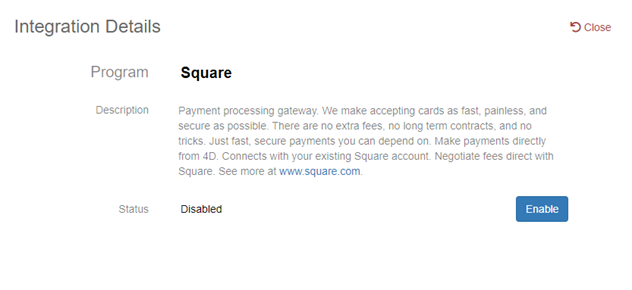
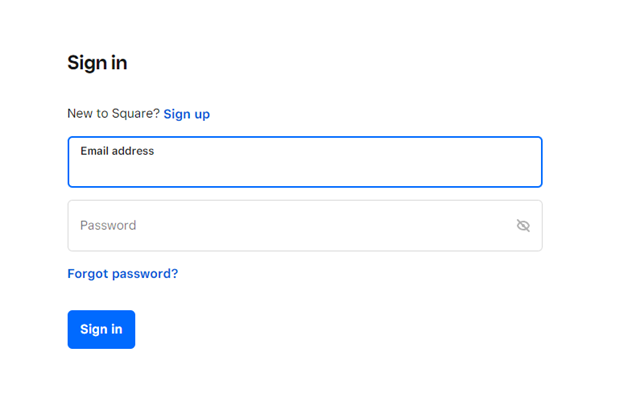
- Log in to your Square account
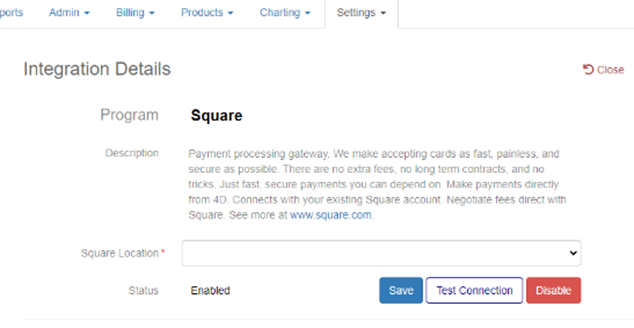
- Select a “Square Location”
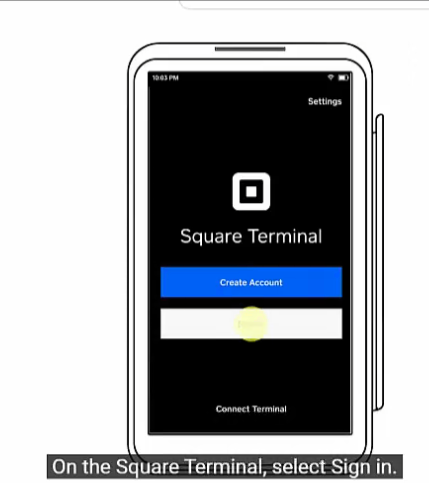
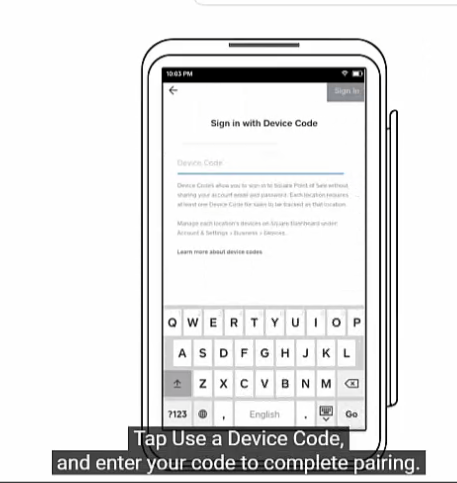
- Enter pairing code on your Square Terminal per Square instructions and video shown below
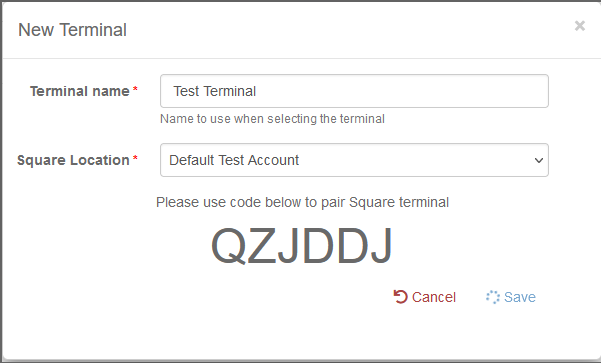
Square Terminal Code Entry Video