 Help Center
From time to time the Google Calendar Integration with 4D EMR will need to be reinitialized. This can happen for many reasons, the most common of which would be updates on either Google or 4D EMR's software which requires the integration to be reauthorized. If your sync is not transferring appointments correctly, often times it can be fixed by reinitializing the link.
To reinitialize your Google link:
- Go to Practice > Settings > Integration and click on the Google Calendar Sync tile. This will open a list of accounts.
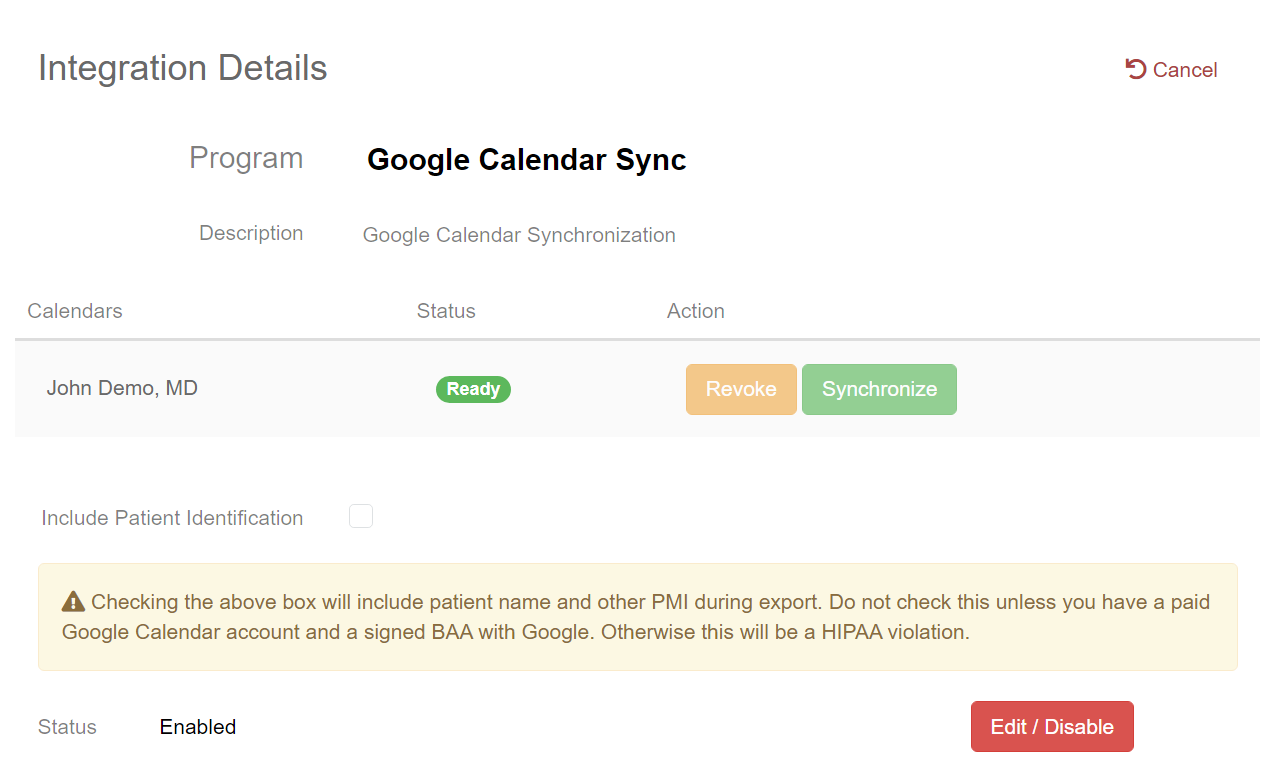
- Click the
 button to allow changes to be made
 - Click the
 button to the right of the Calendar that needs to be reinitialized. This will disable the sync for this calendar.
- Note - This will not remove any appointments already displaying on your Google Calendar.
- Reconfigure the Google Calendar Sync Integration
- A guide can be found here: 4D EMR / Google Calendar Sync