Help Center
The Forms and Documents Design Tool in 4D EMR is intended to allow your practice to create highly customized informational documents, consents, disclosures, and basic information gathering forms. These forms and documents can then be delivered to patients through 4D EMR intake portal or through the practice TEPE interface to be electronically, completed and signed. The completed documents are then automatically saved to the patients’ chart as pdf documents.
PLEASE NOTE: the data collected in these documents is only saved as a pdf, not as structured data in the patient record.
The primary purpose of this tool is to allow practices to deliver information for patient review and electronic signature. While the tool does include insert elements that allow patients to “check” boxes and add text answers, it is not intended to be used to create extensive questionnaires or custom intake information forms.
Several practices have created surveys for various purposes with multiple check boxes and fill-in icon fields and have found that patients get frustrated when trying to complete these forms.
If the patient attempts to do more than read and sign a document or check a few boxes and enter a short answer or two, the experience on tablets and phones can be quite difficult because the accuracy of selecting the correct spot on the screen with a finger is less precise. If the patient is using a computer with the fine selection controls provided by a mouse and a physical keyboard for typing, the task is easier.
Before creating and deploying any questionaires or intake documents, we strongly urge practices to test completing short test forms from the patient's perspective using TEPE on a computer and on a tablet or phone.
In some cases it may be appropriate to ask patients to use a computer with a keyboard and mouse to complete forms requiring more patient input.
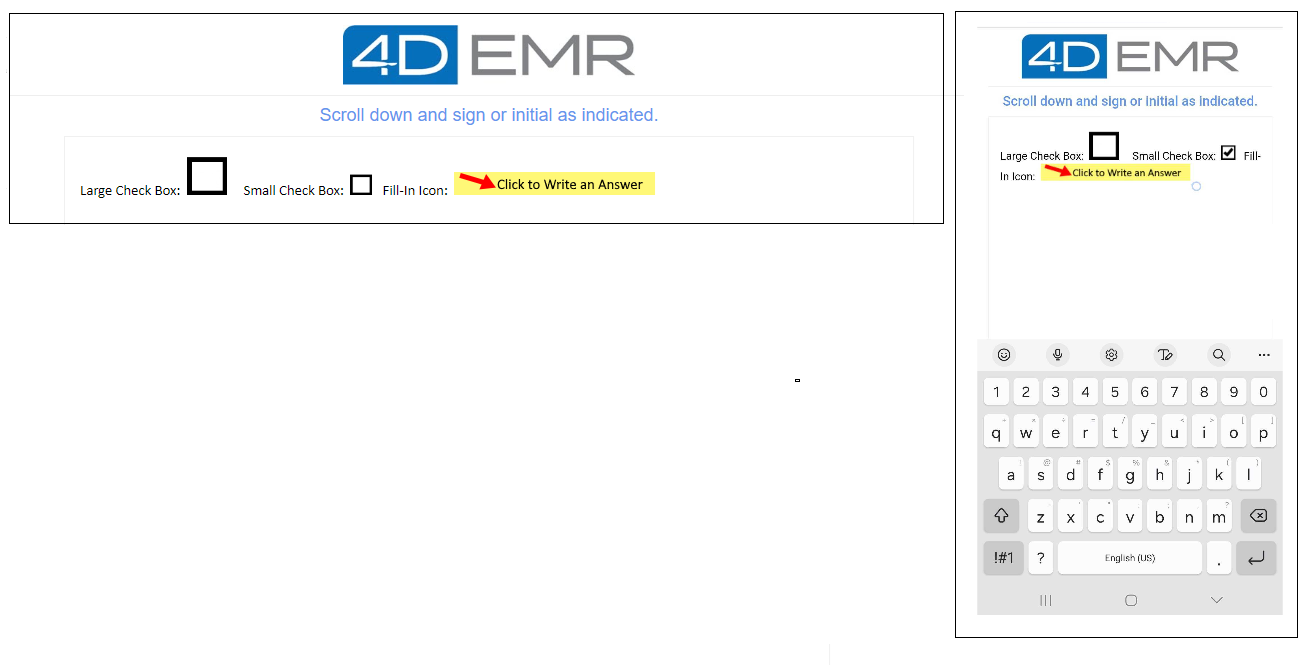
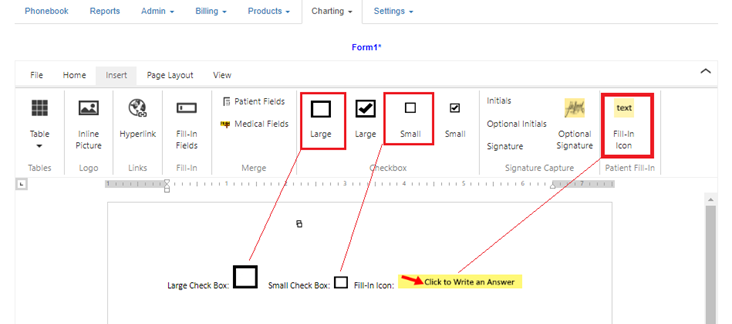
The below screenshots include examples of the insert elements that can be difficult to accuratley select if there are many of these elements on a document (especially on tablets and phones if the elements are close together, like in a questionnaire).
Document in Design view
Views from computer screen and Android phone