 Help Center
Question: How do I change the tax rate in my system?
Solution: Follow these steps to change the tax rate in 4D EMR:
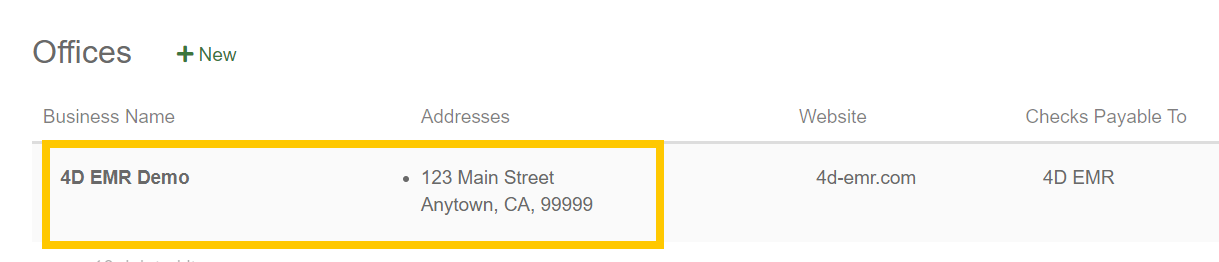
- Go to Practice > Admin > Offices and click on the Practice under Offices
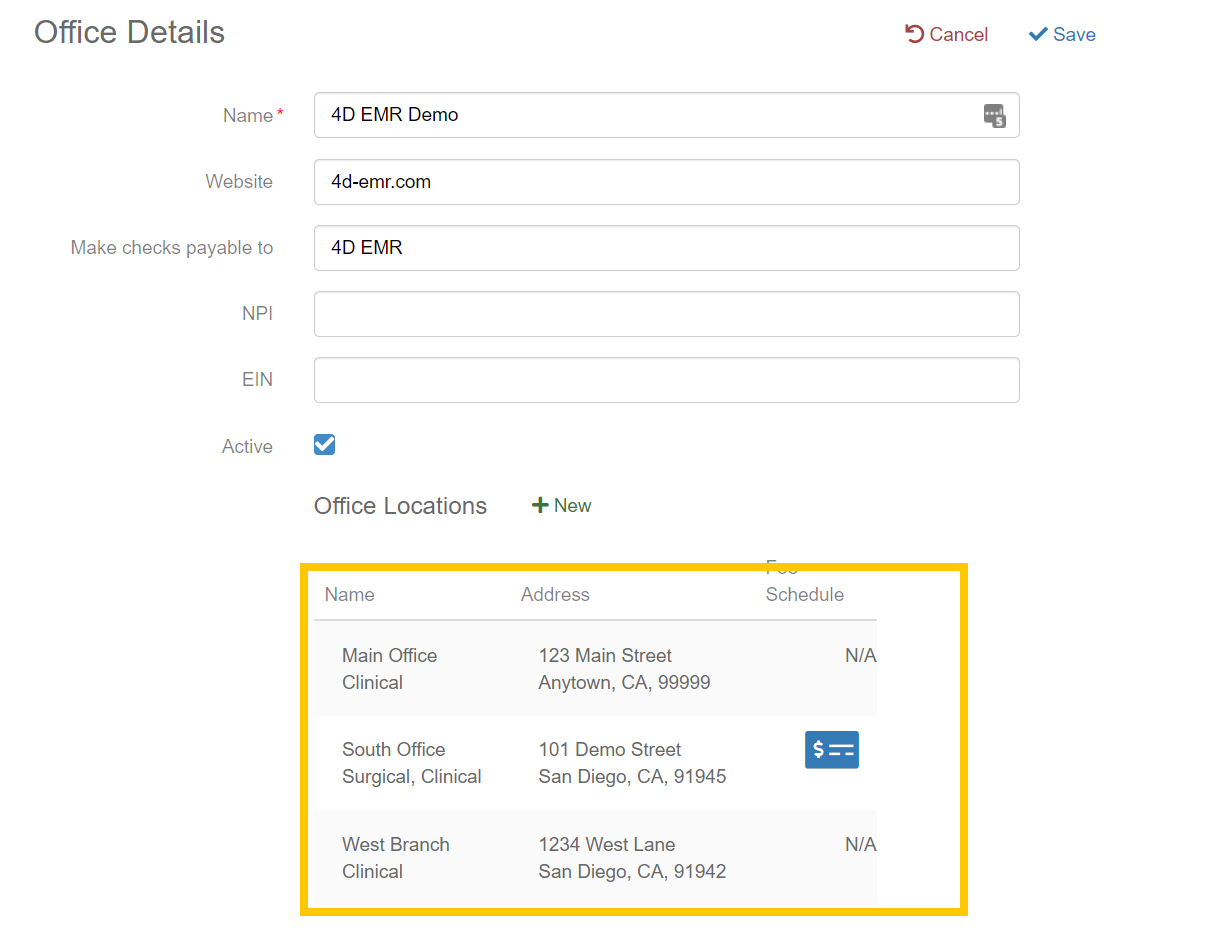
- Under 'Office Locations' click the location that needs the tax rate updated. If multiple locations need to be modified, it is necessary to modify each location separately.
- Update the Tax Rate 1 or Tax Rate 2 as needed.
- Most practices will only use Tax Rate 1. Tax Rate 2 can be utilized if certain types of services or sales require a different tax rate.
- Click
 to save the Location Details and again to save the Office Details and return to the Admin > Offices screen.