Help Center
We strongly recommend creating very basic templates to test the different merge field options and interactive input options on various devices (computers, smart phones, tablets) BEFORE creating final versions.
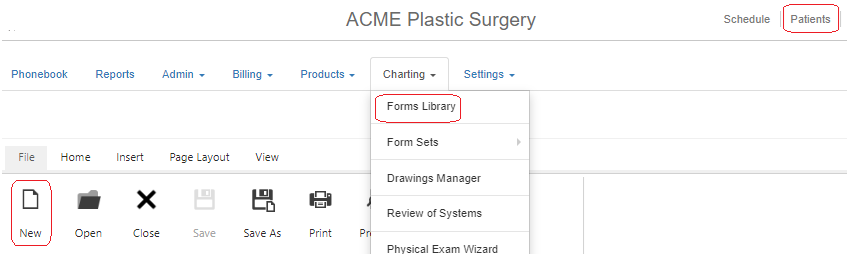
- 4D EMR Main Menu: Practice>>Charting>>Forms Library
- From the File Tab, select New
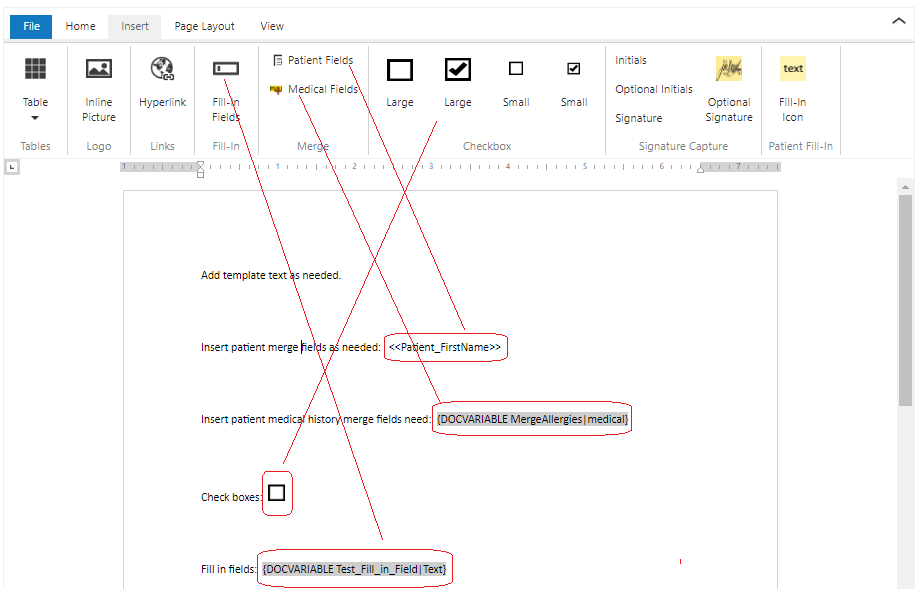
- Add templated text and formatting as desired
- Insert merge field data and/or inter-active input options from available option on the Insert Tab
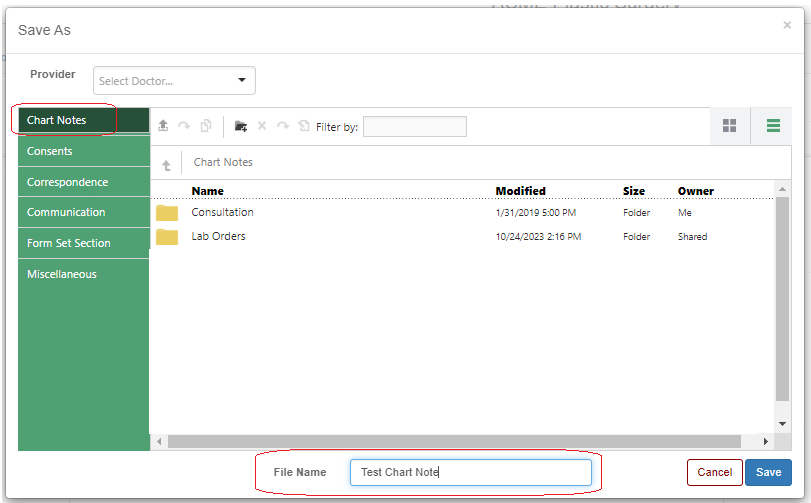
- Save the document in the desired sub folder of the Charting Section