 Help Center
Create a Chart Note From a Template
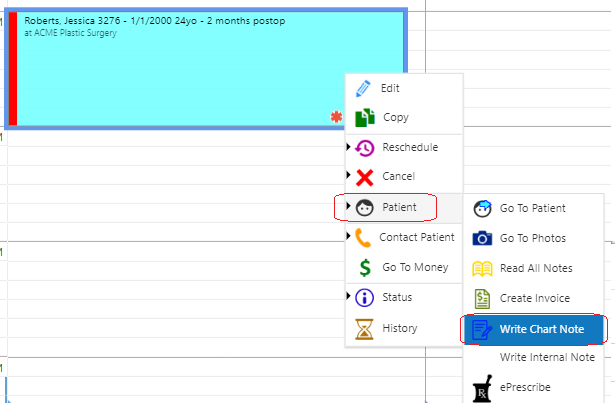
- Right click on an appointment and select Patient>>Write Chart Note
Or
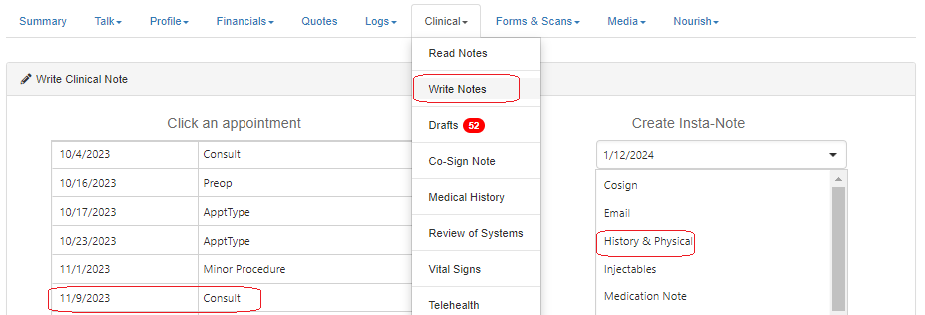
- From the Patient Record, select Clinical>>Write Notes then select the desired appointment OR select the appropriate Insta-Note to create a Chart Note not linked to an appointment (or an additional note).
OR
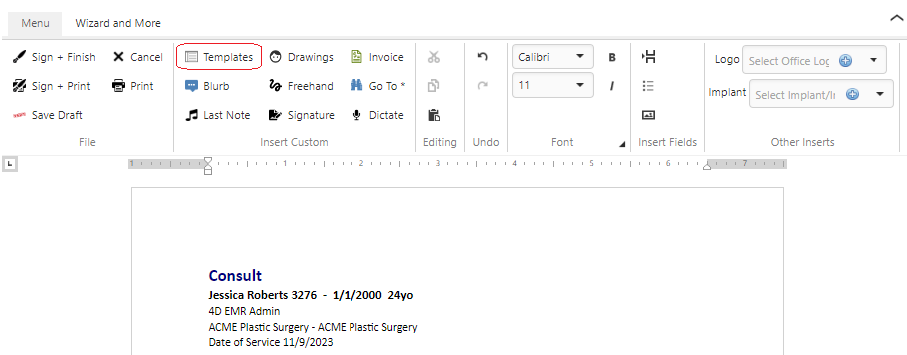
- From the Chart Note Editor Menu, select Templates
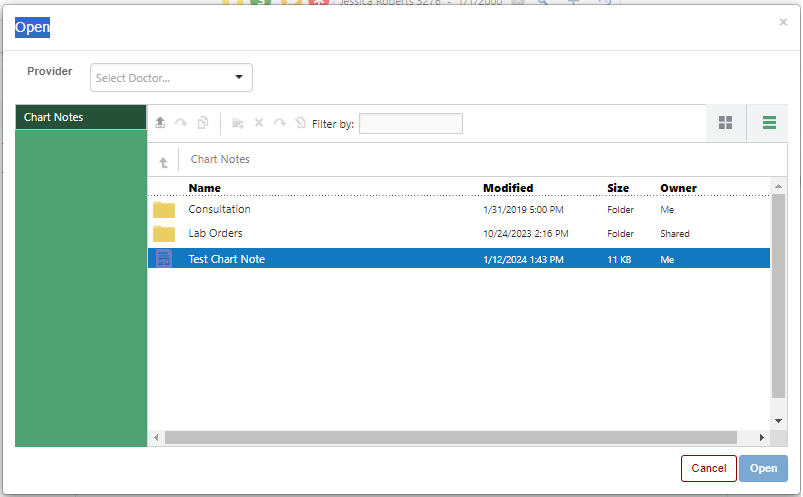
- Select the desired Template from the Chart Notes section/sub folder.
- Edit Chart Note as needed
- Click desired saving option (Sign & Finish, Sign & Print, Save Draft)
