 Help Center
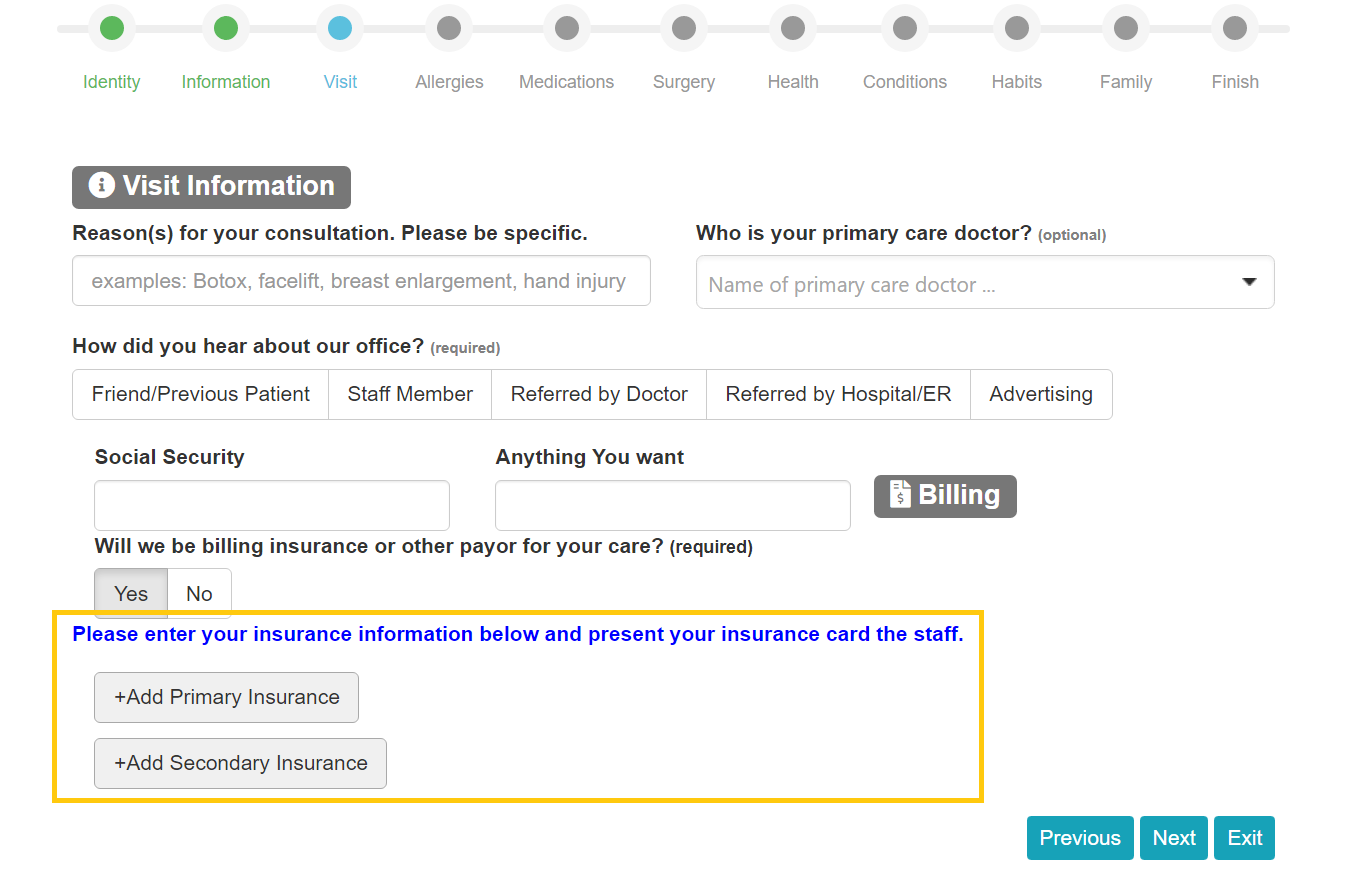
TEPE can be configured to allow patients to enter their insurance information. By default, this setting is disabled.
To enable Insurance fields on TEPE:
- Go to Practice > Settings > Patients > Portal Options
- Check the box to 'Show insurance billing section'
- Click

Once enabled, patients will see sections on the 'Visit' section of TEPE to enter Primary and Secondary insurance information.
Insurance information entered by patients is not automatically synced to OpenPM. During check-in, it's recommended that front-desk staff review the insurane information by viewing what the patient entered and saving it with any needed corrections.