Help Center
4D EMR allows practices to insert "Merge Field" codes into forms via the Forms Library editor. These codes will automatically populate practice and patient information into those forms when generated via Forms & Scans or the Clinical Charting sections of the Patien Record.
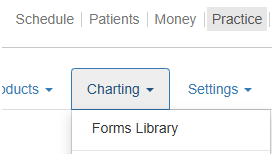
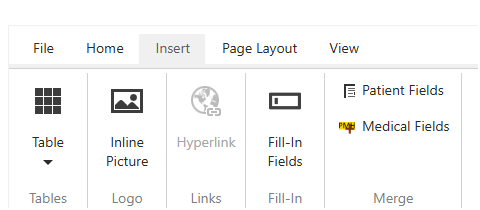
The below images list currentluy available Merge Field codes. These can be added to forms by selecting them in the Charting>>Forms Library|| Insert>>Patient Fields and Insert>>Medical Fields.